Guides / Product ads from one photo
Product ads from one photo
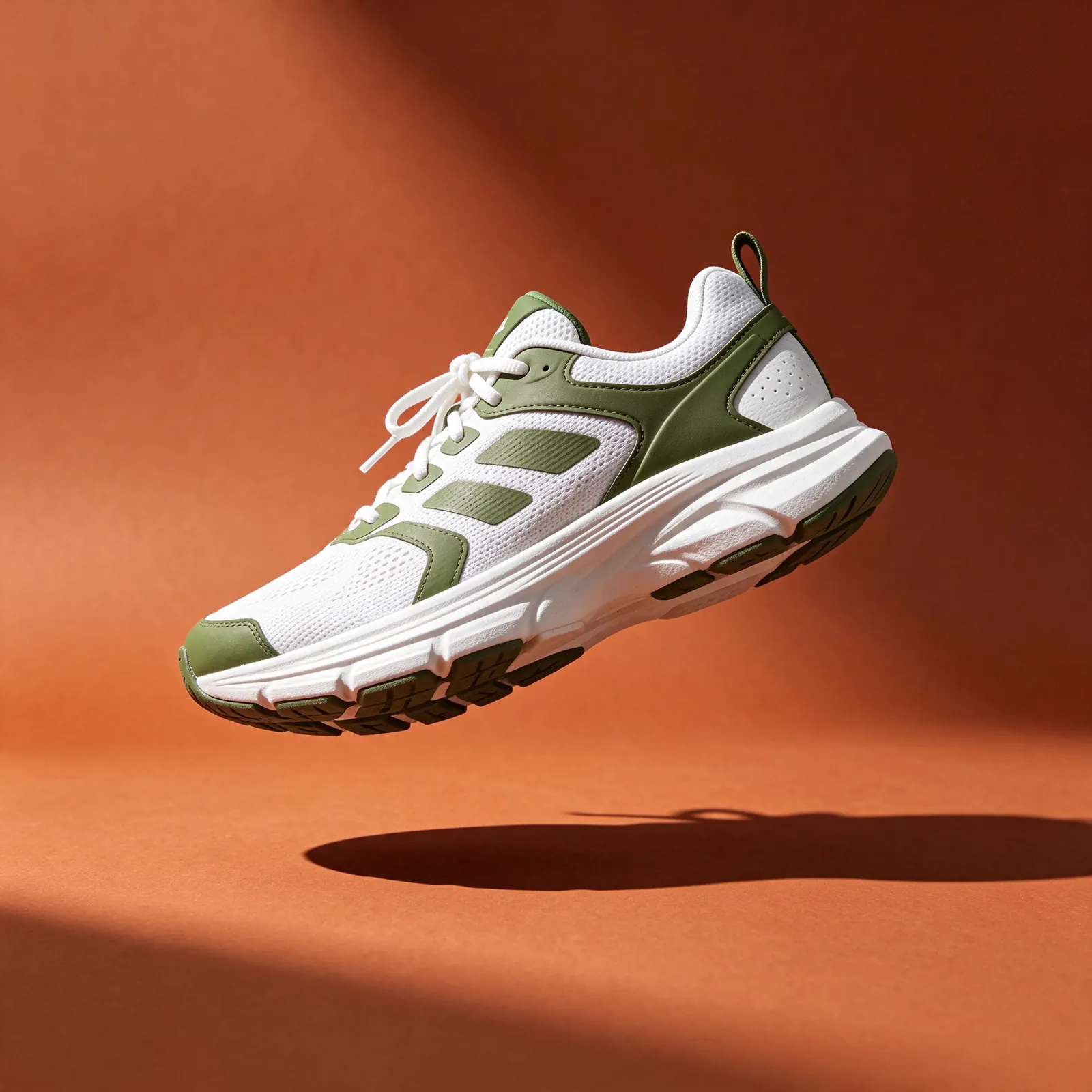
For a specific physical product, start from a photo. Text-only prompts invent their own version of your packaging.
The workflow
Shoot or pick one clean photo
Plain background, good light, the whole product in frame, label readable.
Open Marketing Studio
It is listed for one-click product ads sized for TikTok and Reels, in image and video form.
Pick the format
Choose vertical for Reels, TikTok and Shorts. Decide whether you want a product shot, a UGC-style clip or a still ad.
Generate two or three versions
Change one thing per version: the hook, the setting or the camera move.
Place the product in a scene
Draw to Video puts a specific object into a generated scene when the studio preset is too generic.
Multiply the winner
Ad Multiplier Recreate takes a 4 to 30 second source ad and rebuilds it for another audience or language.
Reframe for other placements
Reframe changes the aspect ratio so one clip covers feed and story sizes.
- Version A
- product on counter, slow push-in, no people
- Version B
- hand picks it up, UGC framing, daylight
- Version C
- same as the best of A and B, new first 2 seconds
- Keep fixed
- source photo, length, aspect ratio
Test plan for one product
Before you publish
- Check the label and logo frame by frame. Generated text can warp.
- Follow the ad platform's rules on labelling AI-generated content.
- Keep the source photo and settings so you can make the next variant quickly.