Guides / One character across many shots
One character across many shots
Separate generations drift: the face, hair and clothes change between clips. Higgsfield's Soul tools exist to hold one identity steady.
The workflow
Decide who the character is
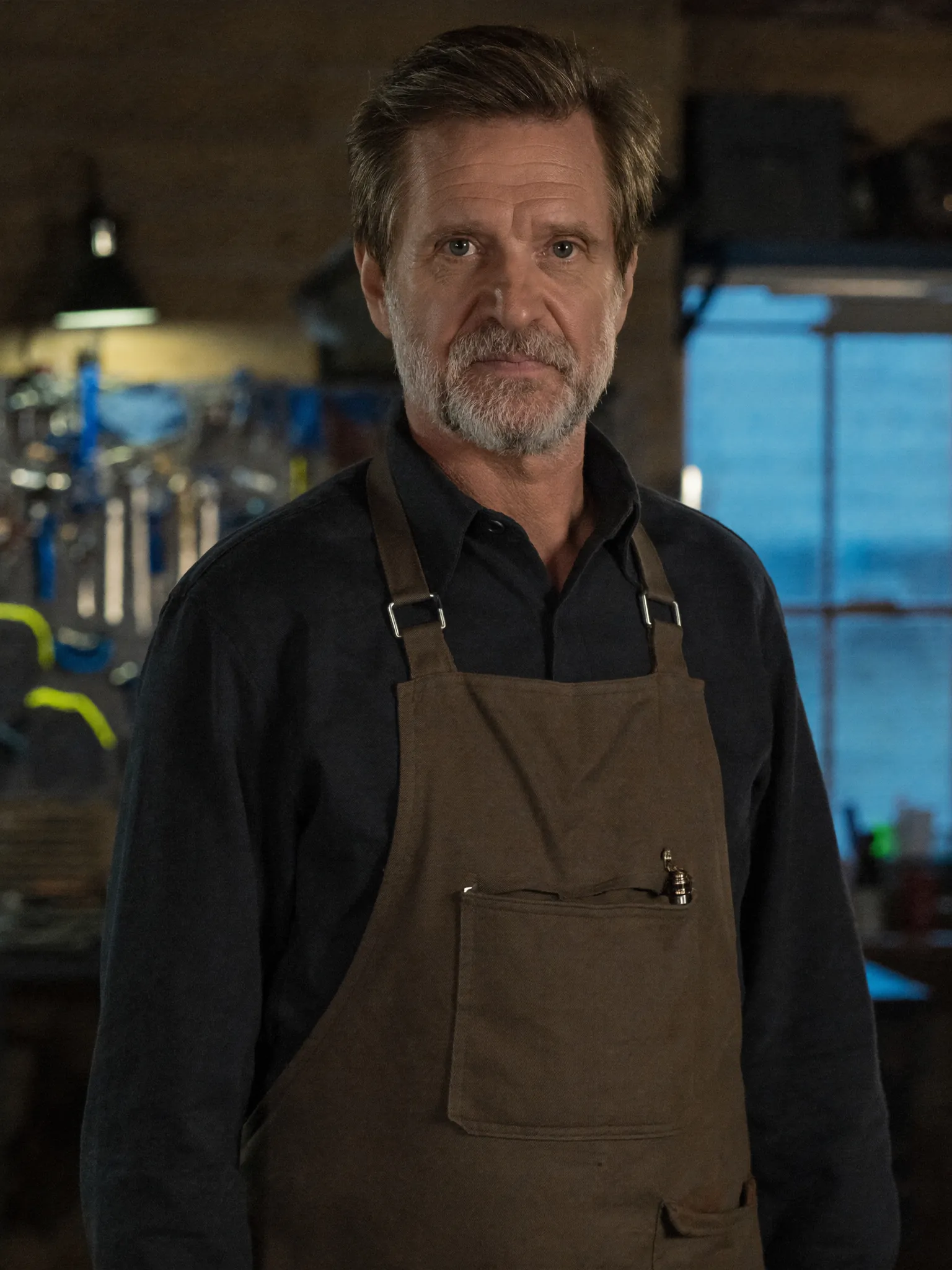
Write down age, hair, clothing and one signature detail. The description is reused in every prompt.
Create the identity
Soul ID builds a reusable character from reference images. Soul Cast is listed for consistent cinematic character identity.
Generate stills first
Use Soul 2.0 for realistic UGC, fashion and character images. Approve the look as a still, since stills cost less than video.
Animate the approved still
Use the still as the first frame in a video model. The clip then starts from the right face.
Keep the location stable too
Soul Location generates environments, so the same room can return in later shots.
Add voice last
Lip sync and text to speech are separate tools. Lock picture first, then add the line.
Where it goes wrong
- Changing the character description between prompts.
- Skipping the still and going straight to video.
- Long sequences with no shared reference image.